Push notifications
Safely now sends push notifications for all wallets in your account. You can set them up in Settings, for example to get notifications for just one or several wallets.
Transactions
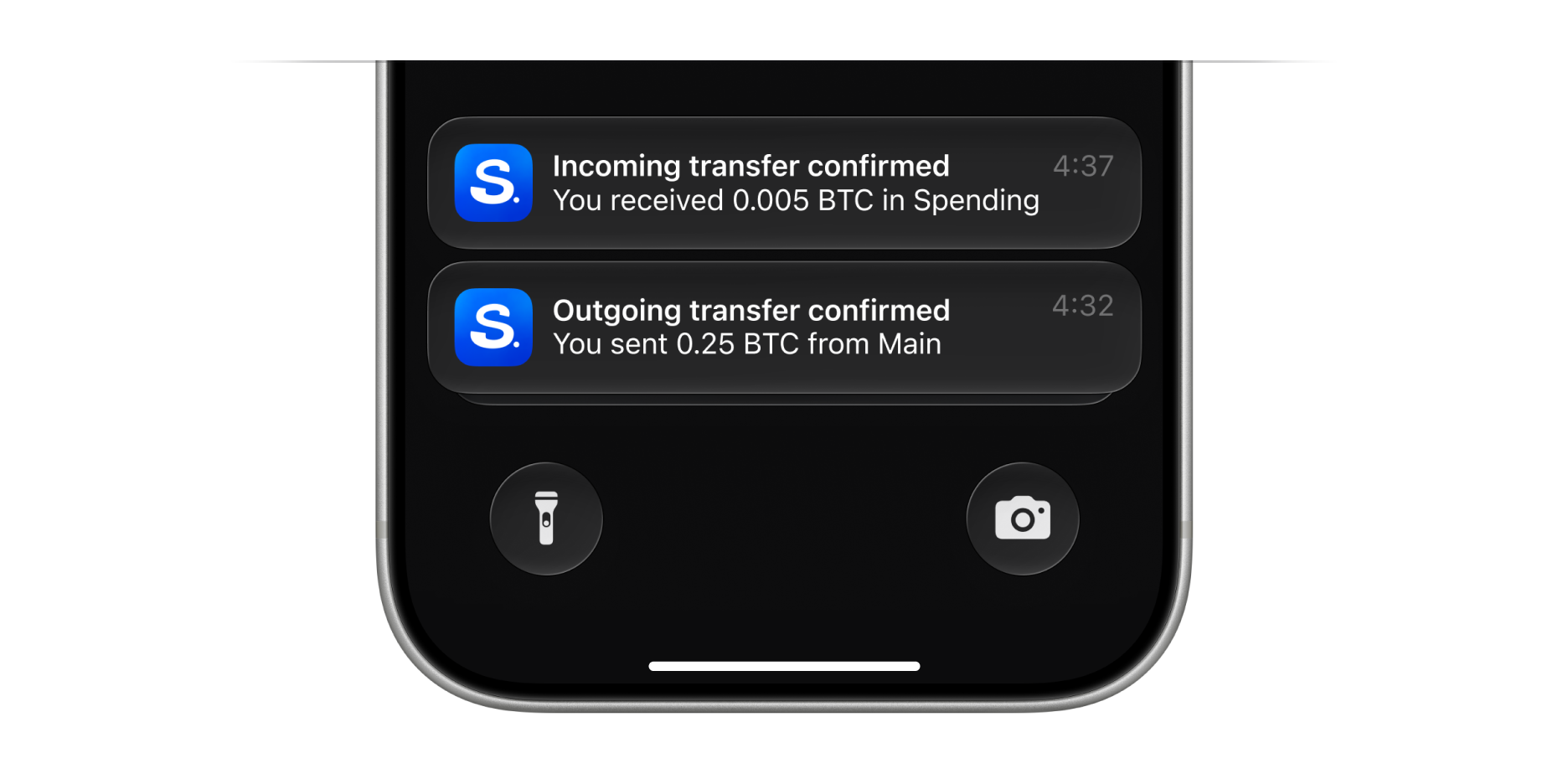
Get notified when bitcoin arrives or is sent, after the first confirmation, and once it’s finalized at 6 confirmations. By default, you’ll be notified when incoming funds are detected and confirmed, and when outgoing transactions are confirmed. Each notification shows the name of the wallet it relates to, for example “0.03908591 BTC is on its way to Salary”.
Sync
When a new device connects to your Safely account, your other linked devices get a “New device connected” notification. The devices taking part in the connection aren’t notified, so linking your first two devices doesn’t send a notification. For example, if devices A and B are linked and B connects device C, only device A gets notified. If you sign out of your account on one device, your other linked devices get a “Device disconnected” notification.
Safely updates
When a new release or security update comes out, you’ll get a single notification, no matter how many wallets you have. Tapping it opens the Updates tab.
Historical prices
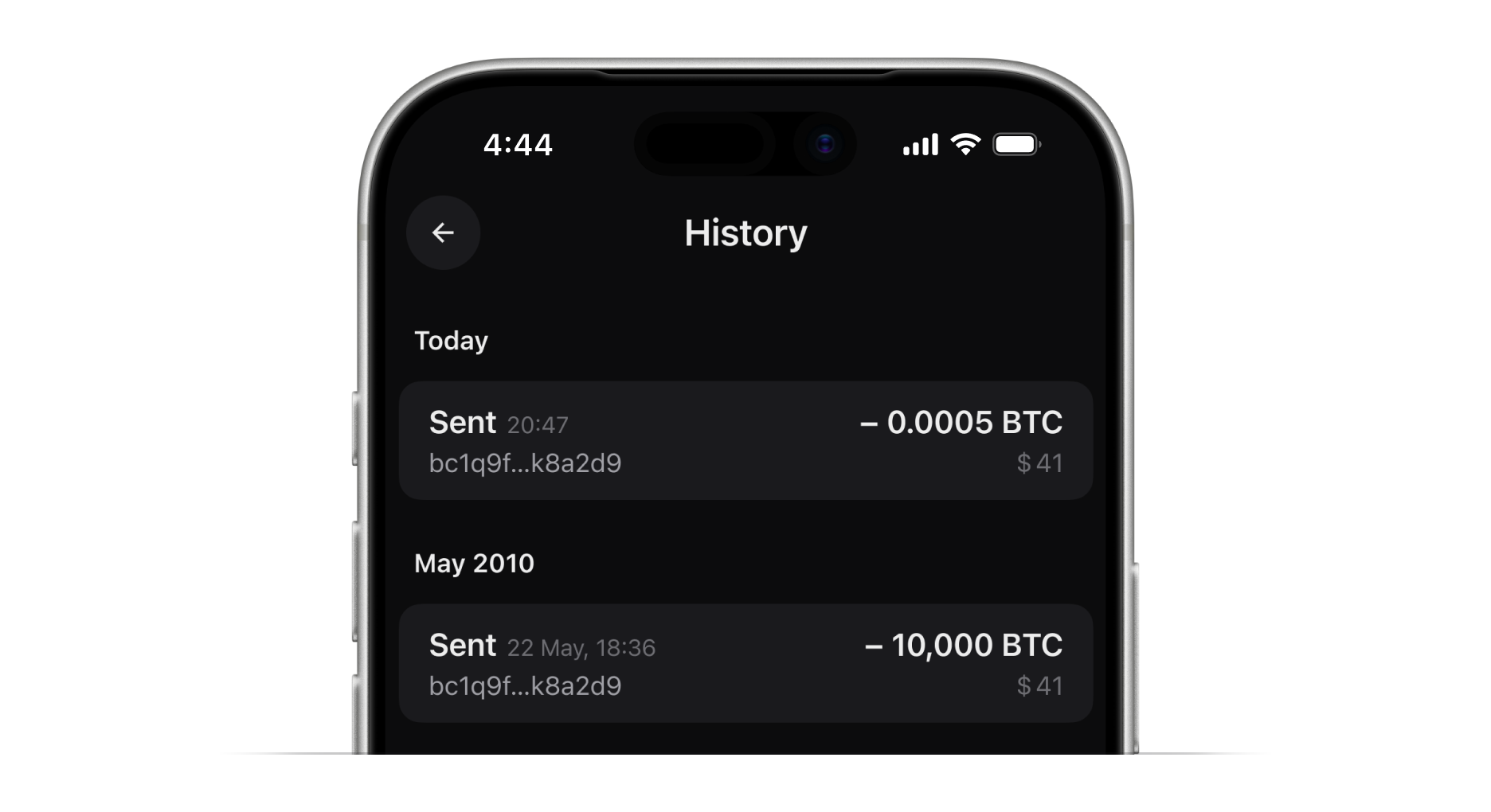
Each transaction in your history now shows its fiat value at the BTC price at the time of the transaction. For example, if you sent 0.5 BTC in 2019 when bitcoin was $7,000, you’ll see $3,500.